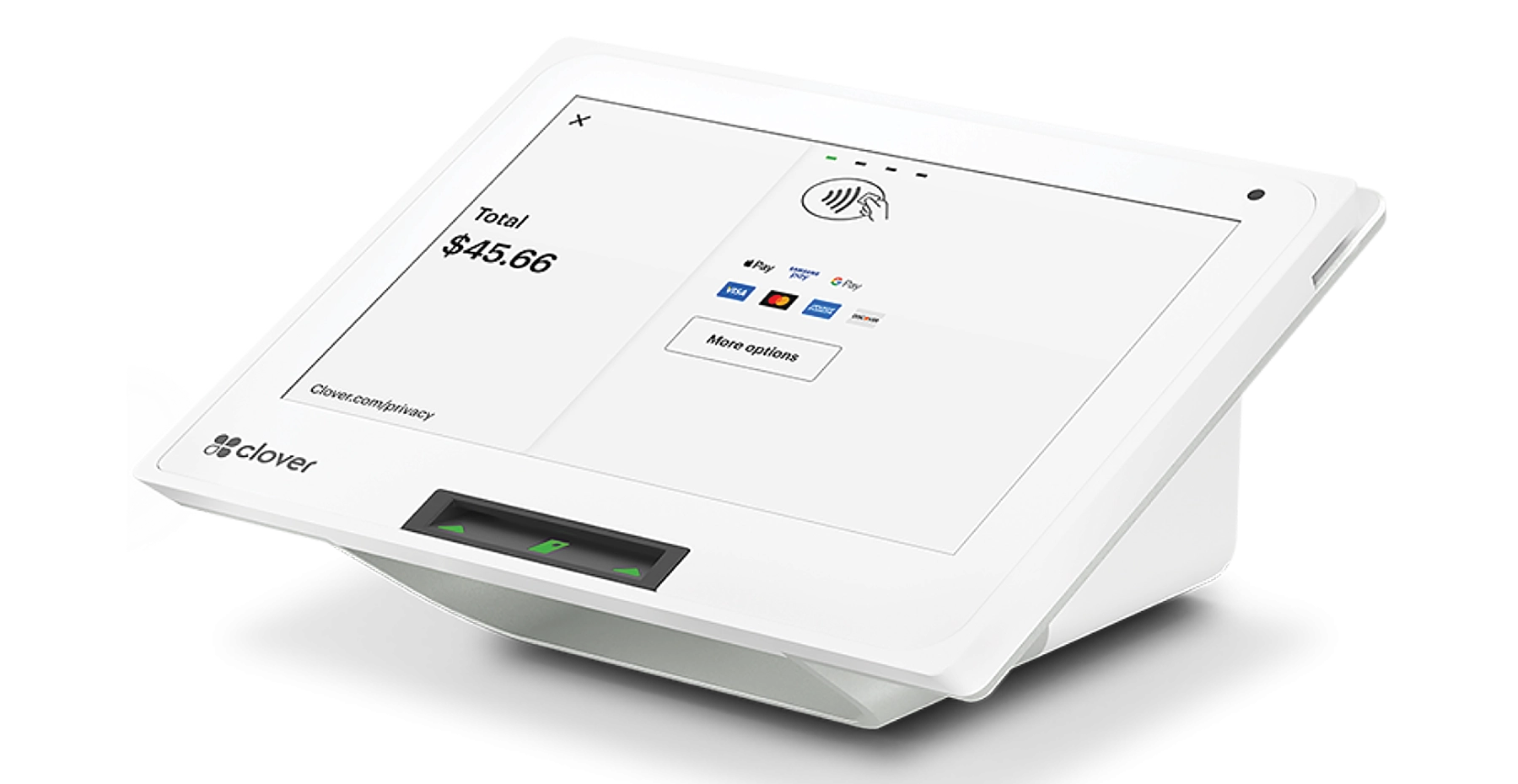

Clover Virtual Terminal
Take card payments from any computer, tablet or phone.
Clover Virtual Terminal turns any web browser into a credit card terminal. Take phone orders, collect deposits, bill a customer who never walks in, and keep selling when your card reader is down. Velocity Merchant Services turns it on, prices your keyed-in rate up front, and backs it with 24/7 support.

- 30,000+merchants serviced since 1998
- OfficialClover partner
- 24/7live customer support
- $1,000rate guarantee
See Clover Virtual Terminal in Action
One minute, every feature: run a sale, send invoices, text payment links, look up transactions, issue refunds and check your reports, from any device.
What Is the Clover Virtual Terminal?
The Clover Virtual Terminal is a web-based payment screen built into your Clover Web Dashboard. You log in from any computer, tablet or smartphone, type in the customer’s card number, expiration date and CVV, enter the amount, and press Charge. The money settles to your bank account the same way a swiped or tapped sale does, and the transaction shows up in the same reports as everything you ring up on your Clover POS.
There is no hardware to buy for it. If you already run a Clover Mini, Clover Flex or Clover Station Duo through VMS, it is already sitting in your dashboard. If you don’t have a device at all, VMS can set up a Clover account built around Virtual Terminal alone for a flat $25 a month.

What You Can Do With Clover Virtual Terminal
Everything a card-present terminal does for the customer in front of you, this does for the customer who isn’t.
Take phone and mail orders
Key in card payments for call-in orders, catalog orders and mailed-in forms without a card reader.
Request payment by email
Send a payment request and let the customer enter their own card online. Their card data never touches your desk.
Save cards on file
Securely store a regular customer’s card so repeat charges take seconds, not a phone call.
Issue refunds anywhere
Refund or void from the dashboard, protected by two-factor authentication so only approved users can send money back.
Email receipts instantly
Every keyed sale can send a digital receipt, and every transaction lands in one dashboard with your in-store sales.
Stop fraud at the door
Address Verification (AVS) and CVV checks flag mismatched cards before you ship product or start work.
Who Uses a Virtual Terminal?
Any business that gets paid when the card isn’t in the room. These are the merchants we set up on Clover Virtual Terminal most often:
Auto shops and repair businesses
Collect a deposit on parts over the phone, then charge the balance when the job is done. Pair it with a clear written invoice. See payment processing for auto shops.
Professional and home services
Accountants, attorneys, contractors, cleaners and consultants billing clients after the work. See payment processing for professionals.
Restaurants and caterers
Phone-in catering orders and large-party deposits, without tying up the register. See payment processing for restaurants.
Retail, wholesale and B2B
Phone orders from repeat buyers and trade accounts, shipped out the same day. See payment processing for retail.

How Clover Virtual Terminal Works
- Log in to your Clover Web Dashboard from any browser on a computer, tablet or phone.
- Turn on two-factor authentication. Clover requires it to issue refunds, and it keeps a stolen password from moving money.
- Open Virtual Terminal from the menu and select your business location.
- Enter the payment. Choose the transaction type, then key in the amount, card number, expiration, CVV and billing ZIP for AVS.
- Press Charge. You get an instant approval, the customer gets an emailed receipt, and the sale syncs to your reports.
New to Clover? VMS sets up the account, user permissions and Virtual Terminal access with you on the phone, so you’re taking payments the day you’re approved. Merchants with a complete application are typically approved within 48 to 72 hours.

Clover Virtual Terminal Pricing
Running Clover Virtual Terminal on its own, with no Clover device? It is a flat $25 a month with VMS. Buy it direct from Clover and you pay $29.95 a month for the same Clover Virtual Terminal, so you pay less every month, and we set it up for you. Already have Clover hardware and an account with VMS? Virtual Terminal is included at no extra monthly cost. Either way, you pay your processing rate on each keyed transaction.
Here is what most processors won’t tell you up front: a keyed-in sale is a card-not-present transaction. Visa and Mastercard charge higher interchange on card-not-present sales than on chip or tap, because the fraud risk is higher. That cost is set by the card networks, not by VMS, and it applies at every processor.
What we control is our markup, and we publish it. Clover Virtual Terminal transactions with VMS are priced at interchange + 0.75% + $0.15 per transaction. It runs a bit higher than a face-to-face sale for one reason: risk. When the card isn’t in front of you, anyone who finds or steals a card number can type it into a website or a virtual terminal, and the processor carries that fraud and chargeback exposure. One flat markup, no tiers, no surprise “non-qualified” surcharges. You see the card network’s cost and our cost as separate lines on every statement. Nothing is buried.
Cut your keyed-in costs: when the customer is standing in front of you, dip or tap the card on a terminal instead of keying it. Save keyed entry for the sales that really are remote, and always enter the billing ZIP and CVV, which helps keyed transactions qualify for better rates. Want to see the math? Try our credit card processing fee calculator or read how credit card processing fees work.
Is Clover Virtual Terminal Secure?
Yes. Clover encrypts card data in transit and replaces stored card numbers with secure tokens, so a saved card on file is never sitting in plain text on your computer. Virtual Terminal is built to support the PCI Data Security Standard, and AVS and CVV checks run on every keyed sale.
Security also depends on your habits. Five rules we give every merchant who takes keyed payments:
- Never write card numbers on paper or save them in email, texts or spreadsheets.
- Give each employee their own login and limit who can issue refunds.
- Always collect the billing ZIP and CVV, and question any sale that fails them.
- Get written authorization and send an itemized invoice for deposits and large orders. It is your best defense in a chargeback.
- Be cautious with first-time customers who want rush shipping to an address that doesn’t match the card.
Virtual Terminal vs. Card Terminal
Most businesses need both: a terminal for the counter and a Virtual Terminal for everything else.
| Clover Virtual Terminal | Clover card terminal | |
|---|---|---|
| Monthly cost | $25/month on its own, included with a VMS Clover device account | Depends on your POS plan |
| Hardware | None. Any browser. | Clover device |
| Best for | Phone, mail, email and remote payments | Customers paying in person |
| Transaction type | Card-not-present | Card-present (chip, tap, swipe) |
| Relative processing cost | Higher interchange | Lowest interchange |
| EBT / SNAP | No. EBT requires the card and PIN. | Yes, with the right setup |
| Reporting | Same Clover dashboard, same reports, same deposit | |
Taking SNAP? Keyed payments can’t process EBT, so pair it with a counter device. See how to accept EBT or compare all POS devices for small business.
Why Get Clover Virtual Terminal From VMS
Velocity Merchant Services is a family-owned business that has been serving small businesses since 1998. You don’t get a call center reading a script. You get a team that knows your account.
- Set up for you. We configure your account, users, permissions and refund controls, and walk your staff through the first transaction.
- Transparent pricing. Interchange plus a fixed markup, shown line by line on your statement.
- 24/7 support. After hours, your call goes to a care team with full access to your account.
- One partner for everything. Virtual Terminal, Clover devices, cash discount programs, EBT, online ordering and more, under one account.
- Small-business first. We grow when you grow, which is why we fight for your rate instead of hiding it.

Stop Losing Sales You Can’t Swipe
Get Clover Virtual Terminal on your account and start taking phone, email and remote card payments this week. Already processing elsewhere? Send us your statement and we’ll show you the savings in writing.
Clover Virtual Terminal FAQs
What is Clover Virtual Terminal?
Clover Virtual Terminal is a web-based payment screen inside the Clover Web Dashboard. It lets you key in credit and debit card payments from any computer, tablet or smartphone, with no card reader needed.
Does Clover Virtual Terminal have a monthly fee?
If you use Clover Virtual Terminal on its own, without a Clover device, it is a flat $25 a month with VMS, compared with $29.95 a month when you buy direct from Clover. If you have Clover hardware and an account with VMS, Virtual Terminal is included at no extra monthly cost. Transactions are priced at interchange + 0.75% + $0.15 per transaction. Keyed-in sales are card-not-present transactions, which carry higher card-network interchange than chip or tap sales.
Can I use Clover Virtual Terminal without a Clover device?
Yes. Virtual Terminal runs in a web browser, so you can take payments without any Clover hardware. VMS can set up a Clover account for Virtual Terminal alone for a flat $25 a month, or turn it on at no extra monthly cost for the Clover devices you already have with us.
Can customers pay me online through Virtual Terminal?
Yes. You can send a payment request by email, and the customer enters their own card details online. That keeps their card number off your phone and out of your notes.
Is Clover Virtual Terminal secure?
Yes. Card data is encrypted in transit, stored cards are tokenized, and every keyed sale can run AVS and CVV checks. Two-factor authentication is required to issue refunds.
Can I accept EBT or SNAP with Virtual Terminal?
No. EBT requires the physical card and the cardholder’s PIN, so it must be taken on a card-present device such as a Clover Mini or Clover Station Duo.
How fast can VMS set up Clover Virtual Terminal?
Merchants with a complete application are typically approved within 48 to 72 hours. Because there is no hardware to ship, you can take your first Virtual Terminal payment as soon as your account is live.